
Image to 3D Realistic Avatar: How It Works
How a selfie becomes a 3D avatar: face landmarks, a fitted 3D head, skin tone, hair, a rig for movement, plus tips for a good result and how iS Gather uses avatars on a live map.

On this page
If you have seen a cartoon-style version of yourself in a game or an app, you have met an image to 3D avatar tool. You give it a photo, usually a selfie, and it builds a three-dimensional character that looks like you. This guide explains in plain language how image to 3D realistic avatar creation works, what the steps are, what makes a good result, and how iS Gather uses the idea so you can show up as yourself on a live map without posting a raw photo.
What is an image to 3D avatar?
An image to 3D avatar is a digital character generated from one or a few pictures of a face. Instead of a flat profile photo, you get a model with depth that can turn, blink, walk and be shown from any angle. The word "realistic" usually means the character keeps recognisable features, such as face shape, skin tone and hairstyle, rather than being a generic cartoon.
Realistic does not have to mean photographic. Many apps aim for a stylised but recognisable look. That choice is deliberate: a slightly stylised avatar is easier to animate smoothly and avoids the uncanny feeling of a nearly-real face that moves wrong.
How does it work, step by step?
The exact technology differs between products, but most photo-to-avatar pipelines follow the same broad stages. This is a general description, not a claim about any single vendor.
1. Capture the selfie
The process starts with a clear picture of your face. Good tools ask you to look straight at the camera, keep a neutral expression and avoid heavy shadows. Some also ask for a short turn of the head so the system sees more than one angle.
2. Find the face and its landmarks
Software first detects the face in the image, then locates landmarks such as the corners of the eyes, the nose tip, the lips and the jawline. These points describe the geometry of your face in a way a computer can compare against a model.
3. Fit a 3D face shape
Next, the system adjusts a 3D head template so that its landmarks line up with yours. Think of it as sculpting a base head until the proportions match the photo. The result is a head with depth: nose height, cheek width and jaw shape all follow the picture.
4. Add skin tone and texture
Colours are sampled from the photo and mapped onto the 3D surface so that skin tone and general complexion carry over. Good tools normalise lighting so a shadow on one side of your selfie does not become a dark patch on your avatar.
5. Choose hair and details
Hair is difficult to rebuild from a single picture, so many products let the system suggest a style and then let you change it. Accessories such as glasses and hats are usually added as separate pieces.
6. Rig it so it can move
A rig is the invisible skeleton that lets the model move. Once the avatar has one, it can use ready-made animations such as idle, walk and run. This is what turns a static head-and-shoulders model into a character that can live inside an app.
7. Export and use it
Finally the avatar is saved in a format the app can load and display, often a compact 3D file. The app then places the character in its own world, such as a game level, a chat or a map.
What makes a good result?
Quality depends mostly on the input and on your own edits.
- Use even, front-facing light, for example near a window, instead of a harsh lamp above you.
- Keep your face fully visible: no sunglasses, no hand across your cheek.
- Look at the camera with a relaxed face.
- Review the result and adjust hair, skin tone and outfit until you are happy.
- Remember that you are in control. If the first attempt does not feel like you, try again with a better photo or change details by hand.
Is it private?
It is reasonable to ask what happens to a selfie that is used to build an avatar. Before you create one in any app, read its privacy policy and check whether the photo is kept, how long, and who processes it. For iS Gather, the privacy policy and the in-app settings are the source of truth. You can read the policy at iS Gather legal pages.
How iS Gather uses 3D avatars
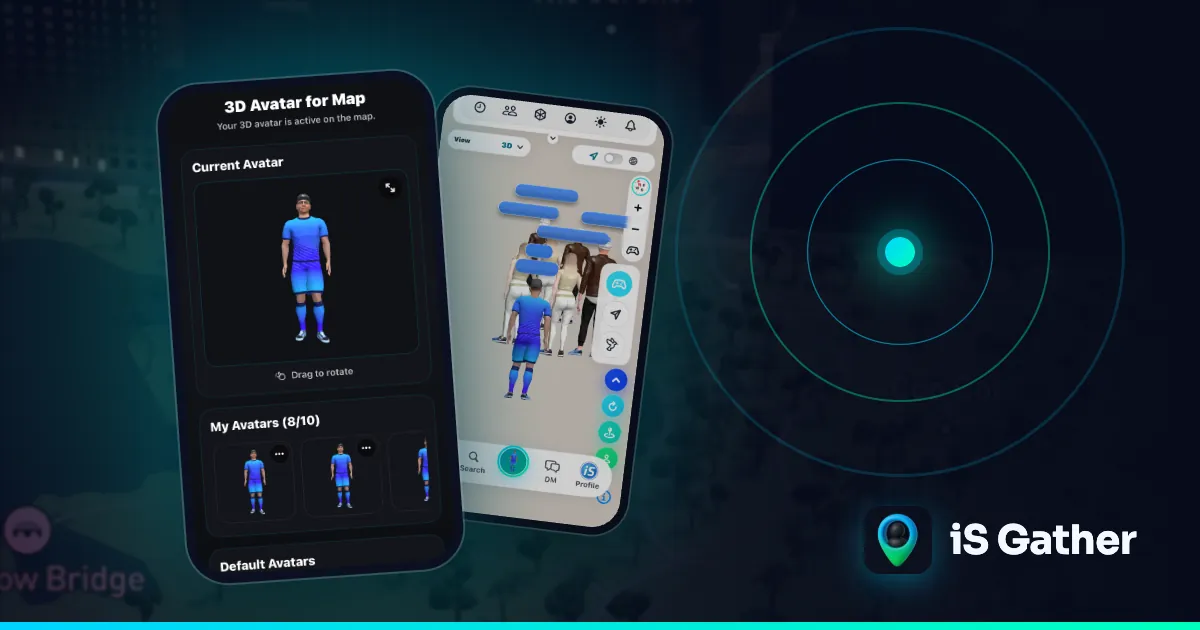
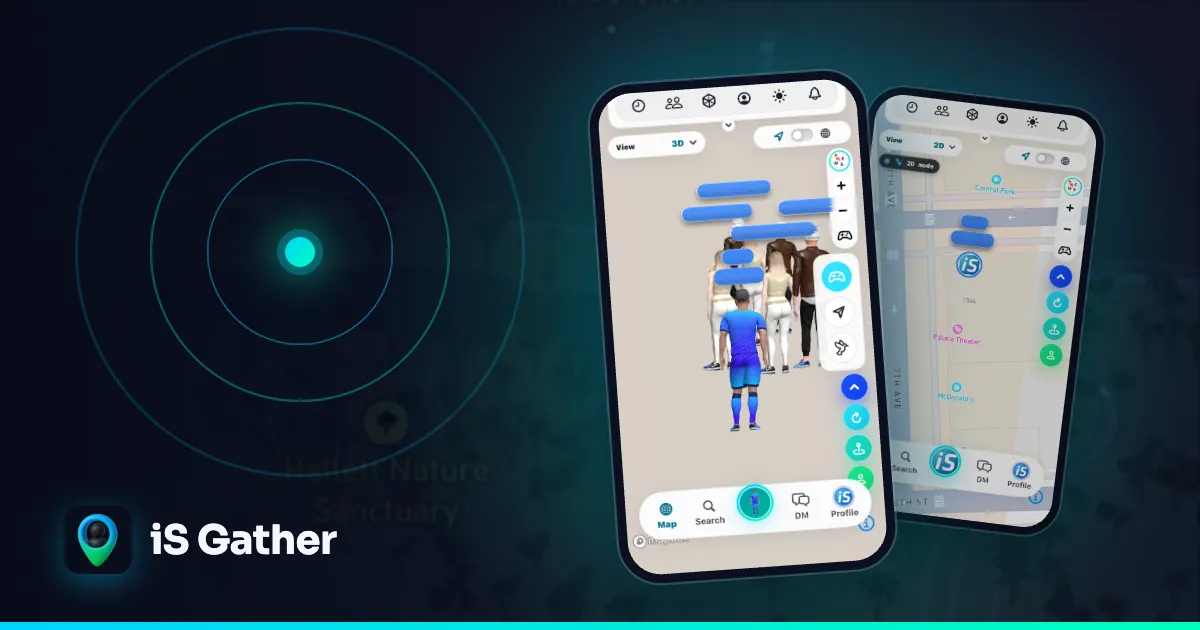
iS Gather is a map-based social app. Instead of a grid of profile photos, you appear on a live 3D map as your own avatar and see other people nearby as theirs. In the app you create your 3D avatar from a selfie and then customise it, for example hair, skin, outfits and accessories. Avatar creation uses a licensed avatar creation SDK; the rest of the experience is built by the iS Gather team.
Your avatar is not just decoration. It is the way you are shown on the live map:
- It stands still, walks or runs depending on how fast you are really moving, so the map feels alive.
- Tapping another person's avatar opens their profile.
- From there you can send a one-tap ice breaker or start a chat.
- You choose who can see you with three visibility settings: Public, Friends or Private.
Because people see a character rather than a photo, you can be recognisable to friends without publishing your face to everyone. If you want more context on the idea behind the app, read what iS Gather is or the guide to the map-based social app.
How long does it take?
That depends on the app and on how much you customise. The capture itself is quick, because it is only a selfie. Most of the time people spend goes into the fun part afterwards: trying different hairstyles, skin tones and outfits until the character feels right. There is no need to rush; you can come back and restyle your avatar later.
Image to 3D avatar: common questions
Do I need a perfect photo?
No. A clear, evenly lit selfie is enough to start, and you can edit the details afterwards.
Will my avatar look exactly like me?
It aims to be recognisable, not identical. Stylised avatars keep key features such as skin tone and hairstyle while staying friendly and easy to animate.
Can I change my avatar later?
Yes. You can customise hair, skin, outfits and accessories again whenever you like in the app.
Is a 3D avatar the same as a profile photo?
No. A profile photo is a flat image. An avatar is a character that can move on the map and that you can restyle as often as you want.
Who can use iS Gather?
iS Gather is for people aged 16 and over, on iOS, Android and the web at isgather.com.
Try it yourself
The easiest way to understand image to 3D avatars is to make one. Get the app from the install page, create your avatar from a selfie, and open the map to see how it looks among other people nearby. For more reading, return to the iS Gather blog, or see how to meet people nearby with friendship-first apps.
- #image to 3D avatar
- #3D realistic avatar
- #selfie to avatar
- #create 3D avatar
- #3D avatar app
Keep reading
 3D avatars
What Is a 3D Avatar Social Network? Explained (2026)
What a 3D avatar social network is, why people choose avatars over photos, what to look for in an app, and how iS Gather uses 3D avatars on a live map to meet people nearby.
 Explainer
Map-based social app guide
What a map-based social app is and how iS Gather's live map works.
 How-to
How to find friends nearby
Step by step: see people around you, send an ice breaker, stay private.