Best Location-Based Social Networks in 2026: 5 Apps Compared
Compare five location-based social networks for meeting nearby people, finding local communities, coordinating with friends, and discovering what is happening around you.

On this page
- How we compared them
- The five at a glance
- 1. iS Gather — best for discovering people nearby on a live social map
- 2. Snapchat Snap Map — best for seeing what friends and places are doing
- 3. Nextdoor — best for neighborhood conversations
- 4. Meetup — best for interest-based local groups and events
- 5. Life360 — best for private location coordination
- How to choose a location-based social network
- Location privacy checklist
- Frequently asked questions
- The bottom line
Location-based social networks make the physical world part of the social experience. Instead of organizing everything around a global feed, they use a neighborhood, map, event, or trusted group to help people connect in real life.
The best choice depends on what you want to do. Some apps help you discover new people nearby. Others focus on neighborhood conversations, local events, friend activity, or private family coordination. Here are five useful options and the job each one does best.
Disclosure: this guide is written by the team that makes iS Gather, so iS Gather is listed first. We describe every other app from its own official help pages (linked in each section), and we say plainly where another app is the better fit.
How we compared them
We looked at four things for each app: who you connect with (new people nearby, friends, neighbors, interest groups or family), whether the map is live or organized around scheduled plans, which privacy controls exist (who can see you, how to pause sharing), and what it costs to start. Each section links to that company's own page so you can check the current details, because apps change often.
The five at a glance
| App | Who you connect with | Live map? | Privacy control | Cost to start |
|---|---|---|---|---|
| iS Gather | New people nearby, as 3D avatars | Yes, 2D and 3D | Public, Friends or Private | Free, 16+ |
| Snap Map | Friends who share, public Snaps | Yes | Ghost Mode, per-friend sharing | Free with Snapchat |
| Nextdoor | Verified neighbours | No (by address) | Address shown to neighbourhood only | Free |
| Meetup | Interest groups at scheduled events | No (event venues) | You choose which events to join | Free to join, some events paid |
| Life360 | Family and private circles | Yes, private | Circles you create, pause sharing | Free tier, paid plans |
What changed in 2026: Zenly is gone (February 2023) and its users split across friend-sharing apps, while the newer "see people nearby" model moved from markers to avatars. If you want a map of new people rather than of your existing friends, iS Gather is the one option on this list built for it; our comparisons with IMVU and Pokémon GO explain how a social map differs from a virtual world and from a location game.
1. iS Gather — best for discovering people nearby on a live social map
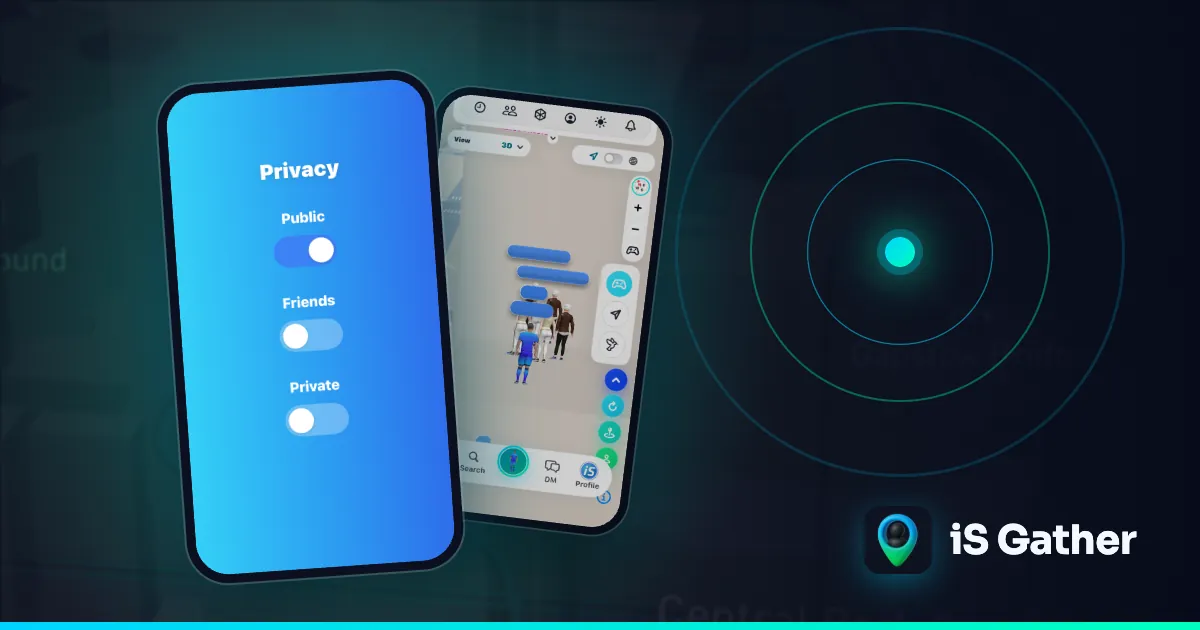
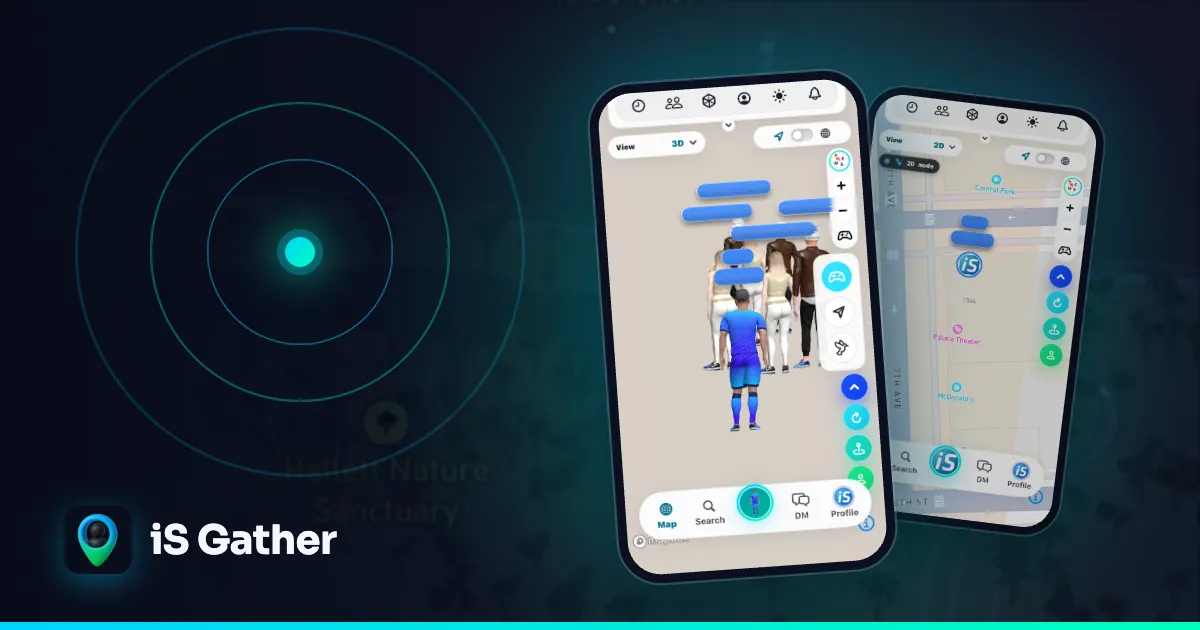
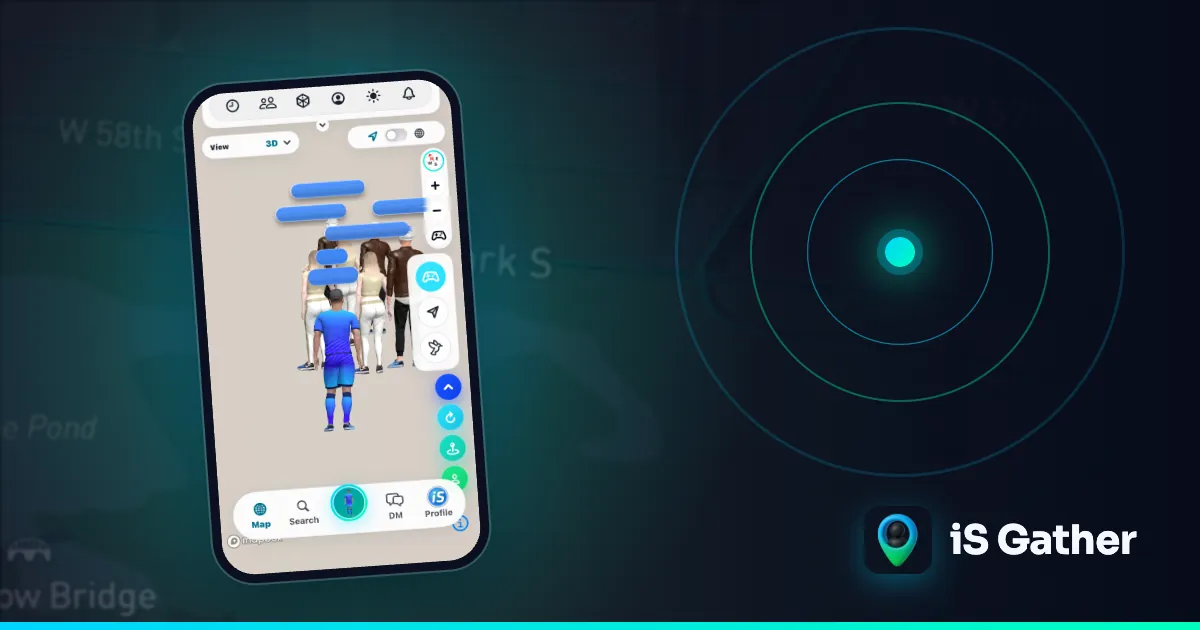
iS Gather is a map-first social network built around real-time local discovery. Nearby members can appear as personalized 3D avatars on an interactive map, making the experience feel more like a shared digital place than a directory of profiles.
Beyond the map, iS Gather combines one-tap ice breakers, profiles, messaging and short video. Privacy controls let members choose whether they are public, visible only to friends, or hidden in ghost mode.
Best for:
- Discovering and meeting new people nearby
- A visual, real-time map experience
- Combining local discovery with video and messaging
- People who want explicit visibility controls
Learn how to meet people nearby, read the privacy and safety FAQ, or open iS Gather.
2. Snapchat Snap Map — best for seeing what friends and places are doing
Snap Map is part of Snapchat. It can show friends who choose to share their location, highlight popular places, and surface public community Snaps around events and locations. It works especially well when your social circle already uses Snapchat.
Snap Map is more about friend activity and place-based content than meeting unknown nearby users. Location visibility is optional, and Ghost Mode lets a person stop sharing on the map.
Best for:
- Existing Snapchat friend groups
- Discovering public Snaps from places and events
- Seeing location context alongside photos and video
See the official Snap Map support guide.
3. Nextdoor — best for neighborhood conversations
Nextdoor organizes conversation around local neighborhoods. People use it for community questions, recommendations, safety updates, lost-and-found posts, local services, and nearby announcements.
Its strength is persistent neighborhood identity rather than a live people map. That makes it useful when the goal is to ask residents a question, follow a local issue, or find a nearby service.
Best for:
- Neighborhood news and recommendations
- Local services and community notices
- Ongoing conversations tied to where you live
Visit Nextdoor to check availability in your area.
4. Meetup — best for interest-based local groups and events
Meetup connects location with shared interests. Members can find nearby groups and events for activities such as running, technology, language exchange, photography, games, and professional networking.
Unlike a real-time social map, Meetup is organized around scheduled gatherings. It is a strong choice when you prefer a defined activity, time, and group before meeting people.
Best for:
- Finding local clubs and interest groups
- Attending scheduled in-person events
- Meeting people through a shared activity
Meetup explains how it surfaces local groups and events.
5. Life360 — best for private location coordination
Life360 is designed primarily for private location sharing among invited family members and trusted groups. Its Circles put participating members on a shared map, while alerts and check-ins help people coordinate arrivals and safety.
This is not an open discovery network for meeting strangers. It belongs on the list because it is one of the clearest examples of location being used as the center of a social group. Temporary Circles can also share real-time location for a limited trip, event, or weekend and stop automatically afterward.
Best for:
- Families and trusted groups
- Private real-time location coordination
- Trips, events, and arrival alerts
Read about Life360 Temporary Circles.
How to choose a location-based social network
Ask three questions before turning on location access:
- Who do you want to connect with? Choose iS Gather for nearby discovery, Snapchat for existing friends, Nextdoor for neighbors, Meetup for interest groups, or Life360 for invited private circles.
- Do you need real time or scheduled plans? A live map is useful for immediate context; Meetup is stronger when the event itself is the organizing unit.
- What privacy model feels right? Check whether visibility is opt-in, who can see you, whether approximate location is available, and how quickly sharing can be paused.
Location privacy checklist
- Share location only with the audience you intend.
- Review visibility settings before using a live map.
- Use ghost, friends-only, approximate, or temporary sharing when appropriate.
- Avoid posting a home address or routine publicly.
- Block and report unwanted contact.
- Turn off location access when a feature no longer needs it.
Frequently asked questions
What is a location-based social network?
A social app where where you are, or where your friends and neighbours are, shapes what you see: a live map of people nearby, a neighbourhood feed, local events or a private family map.
Which location-based social network shows new people nearby?
Of the five here, only iS Gather shows members you have not added, as 3D avatars on a live map, and only those who set themselves to Public.
Can I use these apps without sharing my exact location?
Yes. iS Gather has a Private mode that keeps you off the map; Snap Map has Ghost Mode; Life360 lets you pause sharing; Nextdoor and Meetup do not show a live position at all.
Are location-based social networks safe?
They are as safe as their visibility controls and your habits. Check that you can be invisible, meet first in public places, and use block and report tools.
The bottom line
There is no single best location-based network for every situation. Nextdoor is neighborhood-first, Meetup is event-first, Snapchat is friend-and-content-first, and Life360 is private-circle-first. iS Gather is built for people who want the map itself to become a social space for discovering and connecting with people nearby.
If that is what you are looking for, open iS Gather or explore people and activity near you. Missing Zenly? See our guide to Zenly alternatives. For the model behind all five, read what a location-based social network is and how iS Gather works.
- #location-based social networks
- #social map
- #meet people nearby
- #local community apps
- #location sharing
Keep reading
 Comparison
Zenly Alternatives in 2026: 5 Social Map Apps for Friends and People Nearby
Zenly closed on February 3, 2023. Compare five apps that cover what Zenly users miss: a live social map, friend location sharing, and meeting people nearby.
 Explainer
Map-based social app guide
What a map-based social app is and how iS Gather's live map works.
 Comparison
Apps to Meet People Nearby: 7 Friendship-First Options
Compare seven friendship-first apps for meeting people nearby through live social maps, shared interests, small groups, local events, neighborhood communities, and structured activities.