A friend map app: see your friends on a live map
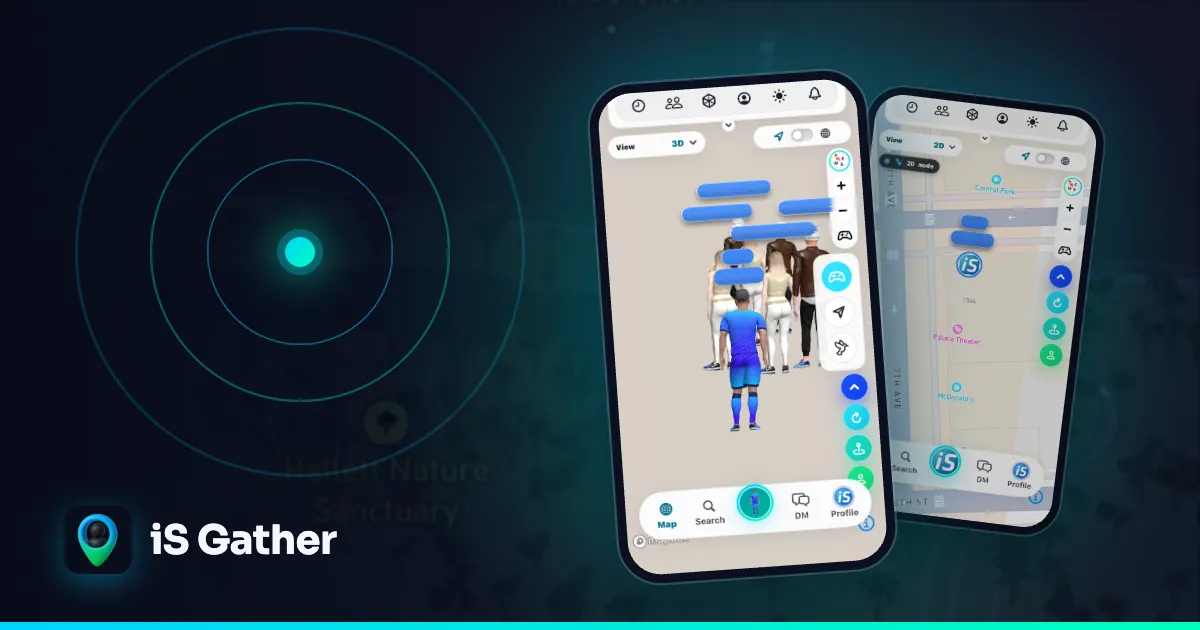
A friend map app does one simple thing well: open it, see where your friends are, and meet up. iS Gather is a free map-based social app that keeps that idea at its centre. Friends and people nearby appear as 3D avatars on a live map, and you decide who can see you.

On this page
What makes a good friend map
The map is the home screen. Instead of a feed, you see your friends as characters on a map and can tell at a glance who is close by. That makes casual plans easy: someone is nearby, so you say hi.
A good friend map needs the same three things: a live map as the main screen, friends who show up on it, and simple privacy controls so you can disappear when you want to.
How iS Gather works as a friend map
When you open iS Gather, you land on a live map. You and the people around you appear as 3D avatars that you design yourself. Tap an avatar to see that person's profile, posts and short videos.
Connect with your friends in the app, then set your privacy mode to Friends Only: your connections see you on the map and nobody else does. It is the closest match to a private friend map.
The map is not limited to people you already know. In Public mode you can also discover people nearby and send a one-tap ice breaker. See how to find friends nearby for a step-by-step walkthrough.
Privacy: Public, Friends Only and Ghost Mode
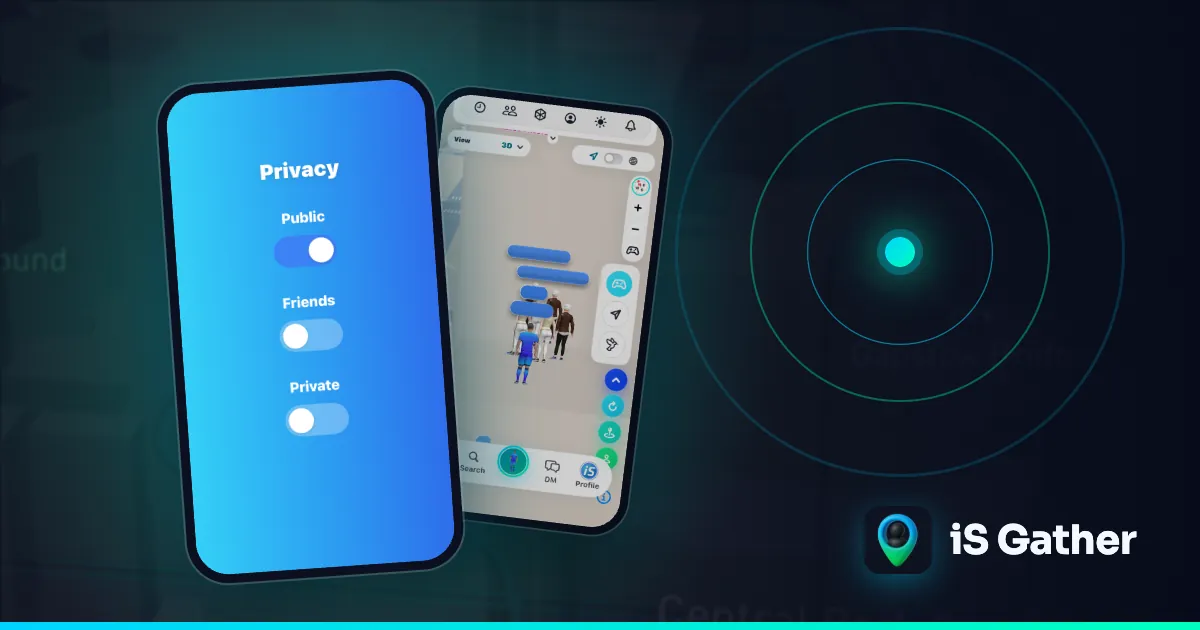
Public shows you on the map to everyone. Friends Only shows you only to your connections. Ghost Mode hides your location from everyone. You can switch at any time in Settings, and you can block or report anyone from their profile or a message.
Location sharing with friends, or a social map?
Location sharing apps such as Find My, Google Maps location sharing and Life360 show a few chosen people where you are, mostly to coordinate or check in. A social map like iS Gather is for being seen by the people you choose and seeing who is around: your friends with Friends Only, or everyone nearby in Public mode.
If you only need to share your location with family, a location sharing app is the simpler tool. If you want a live map where your friends hang out, post and message each other, a social map fits better, and Ghost Mode turns your location off whenever you want.
More than a location map
iS Gather is also a place to share. Members post photos and short videos, go live, and use hashtags, so the map is a way to find people with the same interests as well as a way to see friends.
It also works in a browser at isgather.com, not only on phones, and each city has a public page, such as New York or Shibuya, that you can browse without an account. Only profiles in Public mode are listed there.
How to switch your friend group over
Install iS Gather from the App Store or Google Play, create your avatar, and share your profile link with your friends. Once you are connected, set Friends Only and you have a private live map of your group again.
Used Zenly before it closed in 2023? Our Zenly alternatives comparison covers iS Gather, Snap Map, Life360, Find My and Google Maps location sharing, and what each one does best.
See who is on iS Gather in your city
Questions
- What is a good app to see friends on a map?
- Look for an app whose main screen is a live map of friends, with privacy modes. iS Gather is one: friends and people nearby appear as 3D avatars, and Friends Only mode limits who can see you to your connections.
- Can I hide my location on iS Gather?
- Yes. Ghost Mode hides your location from everyone, and Friends Only shows it only to your connections. You can change mode at any time.
- Is iS Gather free?
- Yes. iS Gather is free on iPhone, Android and the web at isgather.com, for ages 16 and older.
Keep reading
 Comparison
Zenly Alternatives in 2026: 5 Social Map Apps for Friends and People Nearby
Zenly closed on February 3, 2023. Compare five apps that cover what Zenly users miss: a live social map, friend location sharing, and meeting people nearby.
 How-to
How to find friends nearby
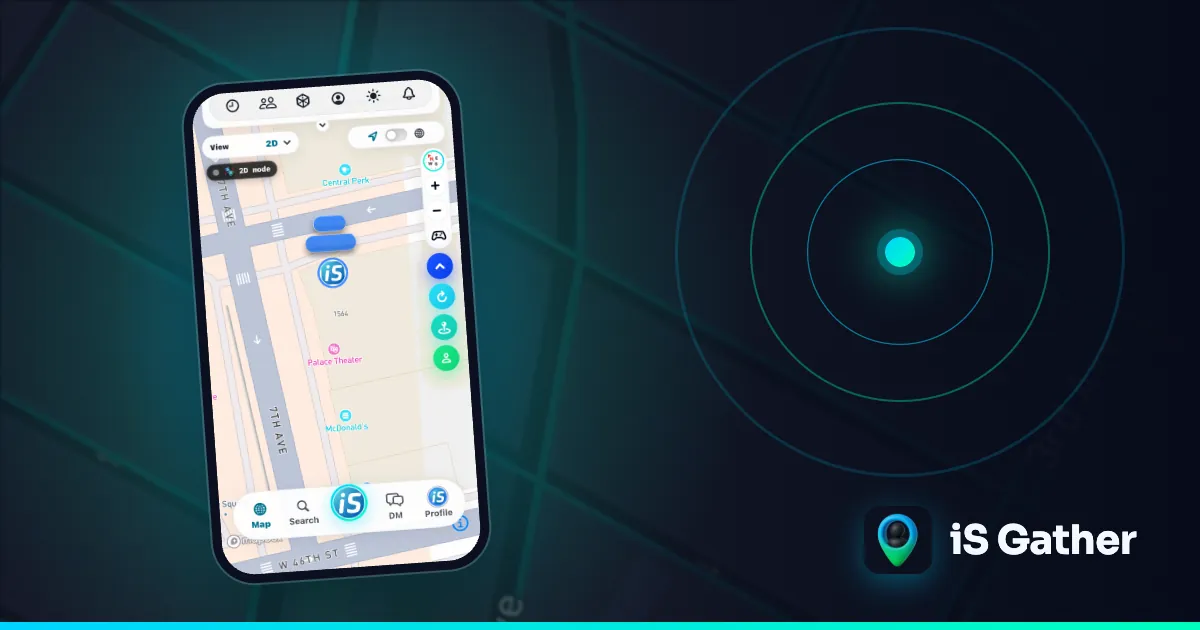
Step by step: see people around you, send an ice breaker, stay private.
 Explainer
Map-based social app guide
What a map-based social app is and how iS Gather's live map works.